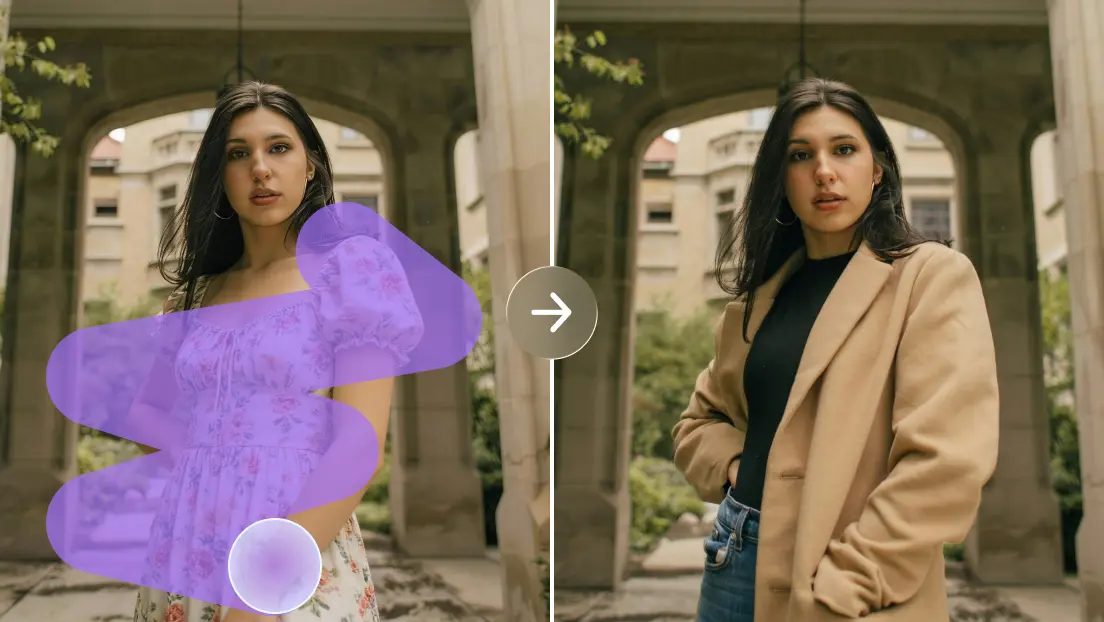
How Free AI Image Creation Helps Independent Creators Turn Early Ideas Into Finished Visual Concepts
Independent creators often have strong ideas but limited resources to explore them visually. A blogger may need an original illustration, a student might want to make a presentation more engaging, or a small business owner could be planning a campaign without having a designer available. A free ai image generator can help bridge this gap by turning written descriptions into visual concepts that users can review, refine, and develop further.
Visual experimentation is an important part of creative work because the first idea is not always the strongest one. A particular color scheme may feel unsuitable once applied to a composition, or a scene that sounds appealing in writing may prove difficult to understand when represented visually. Exploring alternatives helps creators discover these weaknesses before investing substantial time in a final design.
AI-assisted image creation makes this exploration more accessible, but useful results still require planning. The creator must decide what the image should communicate, which details are essential, and how the final visual will be used. Dreamina is one option creators can explore when testing visual directions, although the quality of any result depends on the instructions, the requirements of the project, and the amount of refinement needed.
Why Early Visual Experiments Matter
Many creative projects begin with incomplete ideas. A business may know that it needs a visual campaign but remain uncertain about the best setting, composition, or artistic style. A publisher may understand an article’s subject but struggle to imagine an illustration that captures its main point. Producing several possible directions manually can require considerable effort.
Generating preliminary concepts allows creators to compare possibilities before selecting one. For example, a business promoting environmentally friendly packaging might explore a clean product arrangement, an illustration of a recycling process, and a lifestyle scene showing reusable materials. Each direction communicates the subject differently, making it easier to determine which approach fits the intended audience.
These early experiments should be treated as a decision-making aid rather than a race to produce the largest number of images. A small collection of relevant alternatives can reveal more than dozens of unrelated outputs. The goal is to identify a direction that supports the project’s purpose and provides a useful foundation for further design.
Writing Prompts That Communicate a Clear Idea
A prompt is more effective when it explains what the image needs to show instead of relying on broad descriptions alone. Words such as beautiful, modern, or professional can communicate a general preference, but they do not necessarily establish the composition, setting, or relationships between objects.
Imagine a writer preparing an article about home gardening. A request for a gardening image leaves many choices open. A more specific description could include a wooden planter beside a sunny window, young herbs growing in small containers, gardening tools arranged neatly on a table, and soft natural lighting. These details give the image a clearer visual direction.
However, adding more words does not always improve the result. Excessive instructions can introduce competing priorities, especially when several objects and actions must appear together. Creators should identify the main subject first, describe the most important supporting details, and add stylistic preferences only when they contribute to the intended outcome.
Choosing a Visual Style for the Right Audience
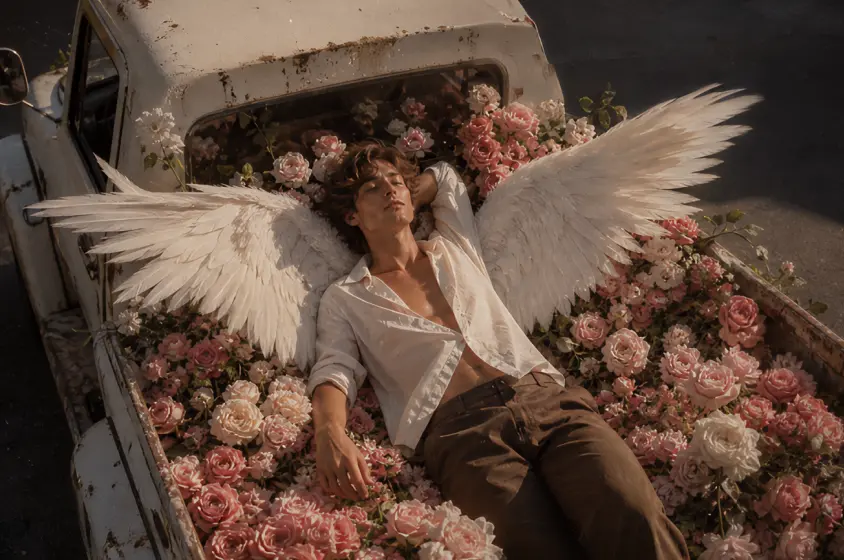
Visual style influences how an image is interpreted. A simple illustration may make a complicated topic easier to understand, while a realistic composition can help viewers relate to a familiar product or setting. Experimental artwork may suit an independent creative project, but it might distract from the information in a formal report.
An ai image generation workflow can help creators compare these approaches before committing to a design direction. A single concept could be explored as a minimalist illustration, a detailed editorial scene, or a realistic image with natural lighting. Comparing the alternatives makes it easier to identify the style that communicates the message most clearly.
The choice should reflect the needs of the audience. Educational material generally benefits from clarity, commercial graphics may need to follow established brand guidelines, and editorial illustrations should support the article’s subject. A visually striking result is useful only when it also fits the context in which people will encounter it.
Improving Composition and Visual Hierarchy
Composition determines where viewers look first and how they move through an image. If the main subject is difficult to identify, supporting details compete for attention, or the background contains too many distractions, the visual may fail to communicate its intended message.
Creators can improve their results by deciding which element deserves the greatest emphasis. For a promotional graphic, this might be the product. For an educational illustration, it could be the process being explained. The background should provide context without overwhelming the main subject, while empty space can help create balance and leave room for text when needed.
The intended display format also matters. A wide illustration for a website header may need a different composition from a square social media graphic. Planning for the final dimensions early can prevent important details from being cropped or becoming difficult to recognize on smaller screens.
Using Revisions to Solve Specific Problems
The first generated image may capture the subject correctly but still contain weaknesses. The lighting might be too harsh, the main object could appear too small, or the composition may feel cluttered. Instead of starting over with an entirely different description, creators can identify the main problem and revise the relevant instruction.
Changing one element at a time makes it easier to understand how the prompt affects the output. If the subject is hidden by background details, the next instruction can emphasize its prominence. If the scene feels too artificial, the creator might request more natural lighting or a simpler environment. This approach turns repeated generation into a structured creative process.
It is also useful to compare revised images against the original objective. An edit may improve the lighting while accidentally changing the subject’s appearance or removing an important detail. The best result is not necessarily the most polished version in isolation, but the one that satisfies the project’s requirements most effectively.
Applying Generated Visuals to Publishing and Business
Writers, publishers, and small businesses often need visuals that complement information rather than simply decorate a page. An article about public transportation might benefit from an illustration showing the relationship between buses, cycling routes, and pedestrians. A business selling kitchen equipment may need an image that highlights the product’s practical use in a realistic environment.
The connection between the image and the content is essential. A generic futuristic illustration may look impressive but offer little value to an article about everyday household expenses. Similarly, a product image that obscures the item’s main features may be unsuitable for a sales page, regardless of its artistic quality.
Before publishing, creators should review the image for distorted objects, inaccurate details, unintended text, and inconsistencies with the surrounding content. Commercial users should also check current platform terms and applicable licensing conditions. These checks help ensure that the visual contributes to the credibility of the finished work.
Understanding the Limits of Automated Image Creation
AI-generated images can contain details that appear convincing at first but become questionable on closer inspection. Hands, lettering, reflections, repeated patterns, and complex object relationships can be difficult to reproduce consistently. When an image communicates factual information, these weaknesses deserve particular attention.
The appropriate level of review depends on the intended use. An imaginative background may allow considerable artistic freedom, while a technical illustration or product advertisement requires greater precision. Where accuracy is critical, creators may need to edit the generated image, use verified reference material, or choose a conventional design method instead.
Cost and convenience should also be evaluated realistically. A free-access option can make experimentation easier, but users may still encounter usage limits, restricted features, or additional editing work. Testing a tool with a real project provides a better understanding of its practical value than relying solely on attractive sample images.
Final Thoughts
AI-assisted image creation gives independent creators another way to explore visual ideas without committing immediately to a finished design. It can support early brainstorming, help compare different styles, and provide useful starting points for publishing, education, and business communication.
The strongest outcomes come from combining clear prompts with purposeful composition, thoughtful revisions, and careful quality checks. By focusing on what the image needs to communicate rather than simply how impressive it looks, creators can turn automated outputs into more useful and meaningful visual content.
Frequently Asked Questions
1. What can a free AI image generator create?
Depending on the platform, it can help produce illustrations, concept art, digital backgrounds, presentation visuals, and preliminary designs for creative projects.
2. How can users improve generated image quality?
They can describe the main subject clearly, specify the setting and composition, and revise individual weaknesses instead of changing every instruction at once.
3. Is AI image generation useful for small businesses?
It can help businesses explore campaign concepts, create draft visuals, and test different creative directions. Important product details and brand requirements should be checked before publication.
4. Can generated images be used in professional publications?
They may be suitable for many projects, but publishers should review accuracy, image quality, audience suitability, and the applicable usage terms before using them.
5. Does a free image creation tool eliminate the need for editing?
Read more: Create a Branded AI Explainer Video With Consistent Visuals
No. Generated images may contain visual errors or fail to meet specific design requirements. Editing and human review remain important parts of the process.