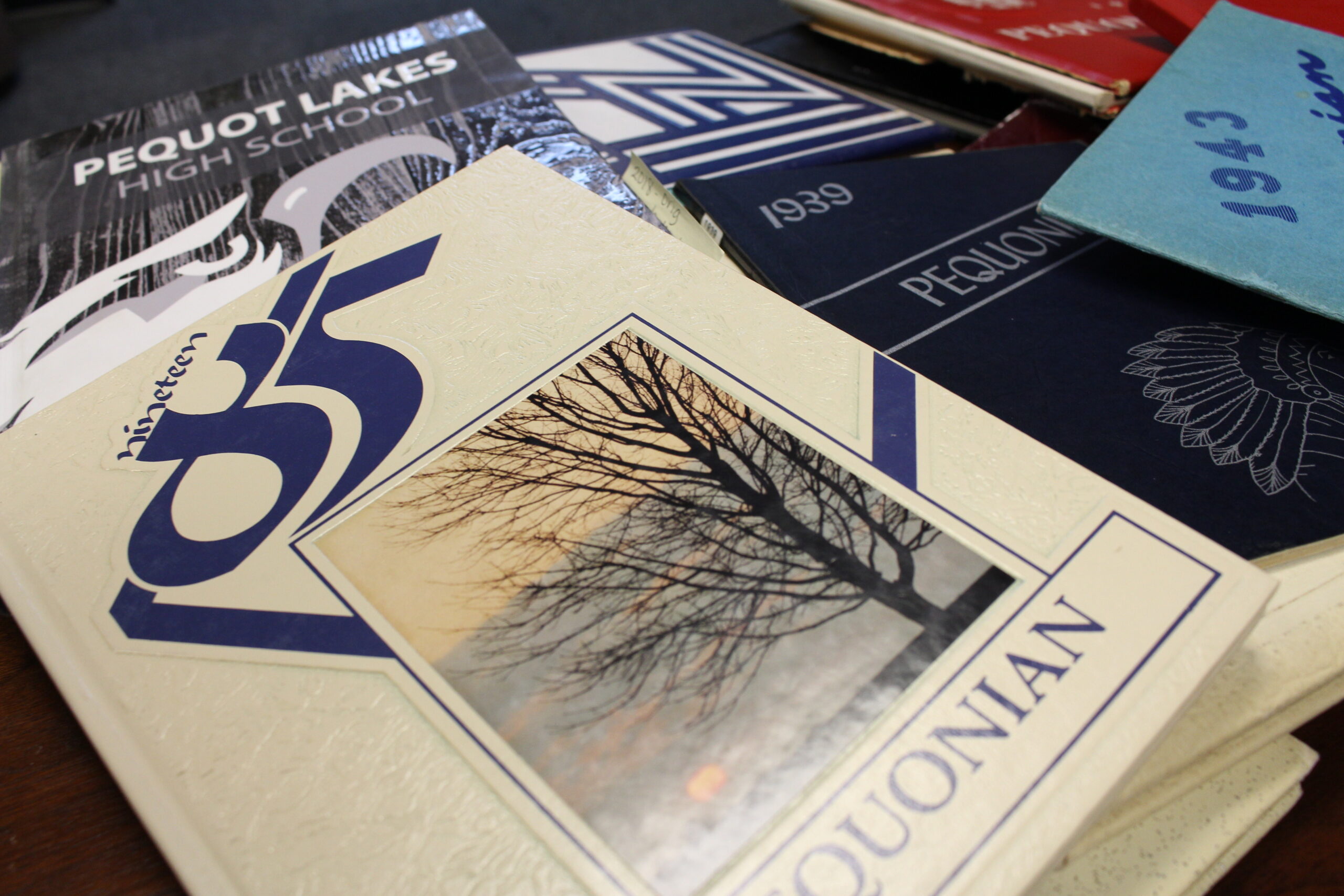
How to Digitize Your Yearbook
Old yearbooks can contain hundreds of memories that exist nowhere else. Class photographs, handwritten messages, sports teams, school events, and pictures of old friends can make a yearbook irreplaceable. Unfortunately, physical books can deteriorate over time, particularly when they have been stored in attics, garages, or moving boxes for decades.
Digitizing a yearbook creates a lasting copy that is easier to preserve, browse, and revisit. Whether you decide to scan it yourself or use a dedicated service, a little preparation can help protect the original while producing a useful digital version.
Check The Condition of Your Yearbook
Before scanning anything, inspect the book carefully. Look for loose pages, damaged binding, torn photographs, stains, or pages that have become brittle with age. Avoid forcing an older yearbook to lie completely flat if doing so puts pressure on its spine. Preserving the physical copy is just as important as creating the digital one.
This process can also become an opportunity to slow down and revisit the contents. Many seemingly ordinary school memories become even more important, and photographs or handwritten messages can bring back experiences you had almost forgotten.
Consider a Yearbook Scanning Service
Scanning an entire yearbook at home can be time-consuming, particularly when the book contains hundreds of pages. Classmates offers a free yearbook scanning service for eligible yearbooks, providing another option for people who want to preserve and share the contents of their old school books digitally.
Using a dedicated service can be particularly appealing when you have a complete yearbook but do not want to photograph or scan every individual page yourself. Before sending an original yearbook anywhere, read the service details carefully so you understand the process and any eligibility requirements.
Scan The Yearbook Yourself
If you prefer to create your own digital copy, a flatbed scanner can produce consistent results. Scan pages individually where possible and avoid pressing heavily on the book to flatten the binding. A smartphone or digital camera can also work. Place the yearbook on a stable surface in an evenly lit area and position the camera directly above each page. Avoid strong overhead lights that create glare on glossy photographs. Try to use the same position and lighting for every page. Consistency will make the finished digital collection much easier to browse. If you aren’t confident, it’s best to turn to professionals.
Organize Your Digital Files
A folder containing hundreds of randomly named images can quickly become confusing. Give files descriptive names that include the year, school, and page number. You might also create separate folders for class pictures, activities, sports, and handwritten pages.
Digital copies can make it much easier to reflect on how your experiences and interests have changed. Technology has created new ways to look at how much you’ve grown as a person, and an old yearbook provides a particularly personal starting point.
Create More Than One Backup
Once the yearbook is digitized, avoid keeping the only copy on one computer or phone. Store backups in more than one location, such as an external drive and a reputable cloud storage service. It is also worth keeping the original yearbook somewhere dry and protected from direct sunlight. Digitization does not have to replace the physical book. Instead, it creates an accessible copy while helping preserve the original.
Taking the time to digitize a yearbook ensures that photographs, messages, and school memories remain available long after the physical pages begin to show their age.