How Upgrade Systems Decide What Your Skin Is Worth
A csgo skins upgrader does not set prices of its own. It takes a value for each skin from the wider market and uses that number to build the attempt. Knowing where that value comes from, and what it does and does not account for, tells you whether the chance on screen reflects the item you own. The valuation step runs behind every upgrade, even though most players never see it.
What a CSGO Skins Upgrader Uses to Set Value
The value inside the system mirrors an outside price. Platforms pull a reference figure from market data, so the number you see tracks what skins sell for elsewhere, updated on a schedule instead of in real time. Because the price comes from a feed, a fast-moving market can leave the system’s value a step behind the live one for a short while. The system also values only the skins it supports. An item outside that catalog has no value inside the upgrade at all.
How the Two Sides Are Compared
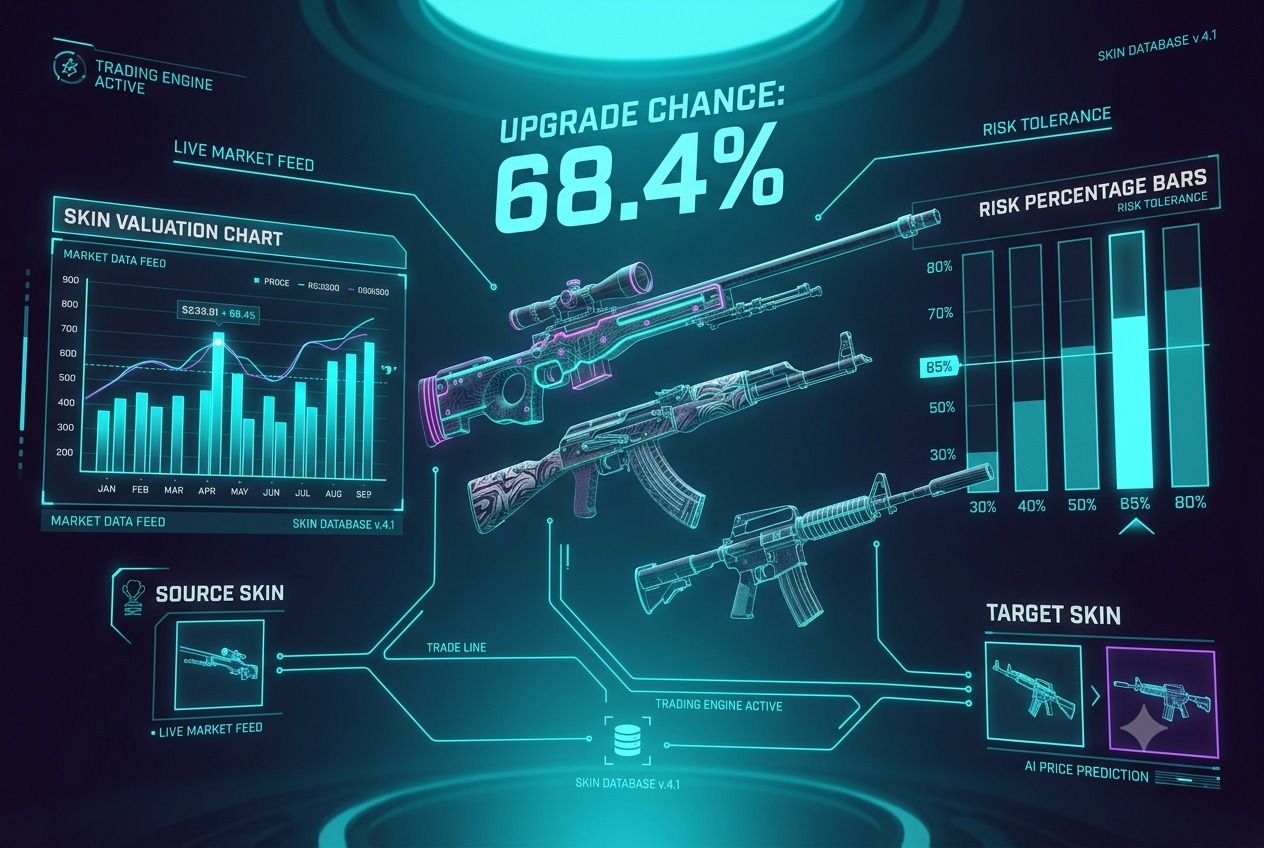
An upgrade weighs what you put in against what you aim for. When you select more than one item, the system pools their combined value and treats that total as your stake. It then compares that total with the target’s value, and the distance between the two sets the chance. A target close to your stake shows a high chance, while a target above it shows a low one. The displayed chance is not the raw ratio, though. A house edge trims it, which is why the odds land a little below what the pure value difference would suggest.
Whether the Number Fits Your Exact Skin
Two copies of the same skin can be worth different amounts, and not every system prices that difference. A simple upgrader may use one base price for a finish, no matter its wear or float, which can undervalue a clean, low-float copy or a StatTrak version when you bring it in. A more detailed system prices the exact variant. Before you stake a special item, check whether the value shown matches its market price for that specific wear and tag, so a rare copy is not treated as an ordinary one.
Setting a Risk Level Changes Which Targets Are Reachable
Most upgraders let you choose how much risk to take, and that choice changes the target list. On GudDrop, you pick a risk level between 30% and 80% before you confirm. The platform shows your success chance before the attempt begins. A higher chosen chance narrows the targets you can reach, since a safer attempt only reaches skins closer to your stake. A lower chance opens pricier targets at longer odds. The setting does not change how a skin is valued. It changes which valued targets the system offers you.
Trusting the Value a CSGO Skins Upgrader Shows
A csgo skins upgrader is only as accurate as the value it assigns, so knowing how that value is built separates a fair attempt from a blind one. The figure is a market price, trimmed by the house edge and framed by the risk level you pick. It is a solid guide when the system prices your exact skin and keeps its feed current, and a rough one when it uses a base price or lags the market. GudDrop shows your odds and your chosen risk level before you confirm, so you can see how both sides have been valued and decide with that in front of you.